


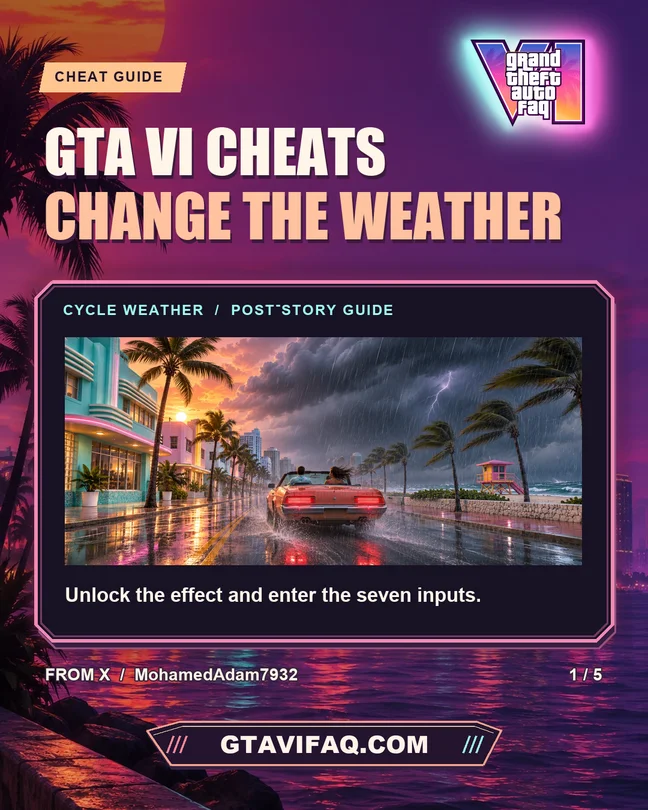
How do I unlock and enter the GTA VI weather cheat?
Finish the main story and reveal the entire map to unlock Cycle Weather. Make a manual save, open your character’s phone in free roam, then hold both shoulder buttons and enter the seven D-pad directions. [2]
Slide guide
Key takeaways
- Josh West lists the story requirement, manual save and session restrictions, free-roam phone controls, and Cycle Weather. Reveal the entire map and enter Down, Right, Up, Down, Right, Up, Right. [2]
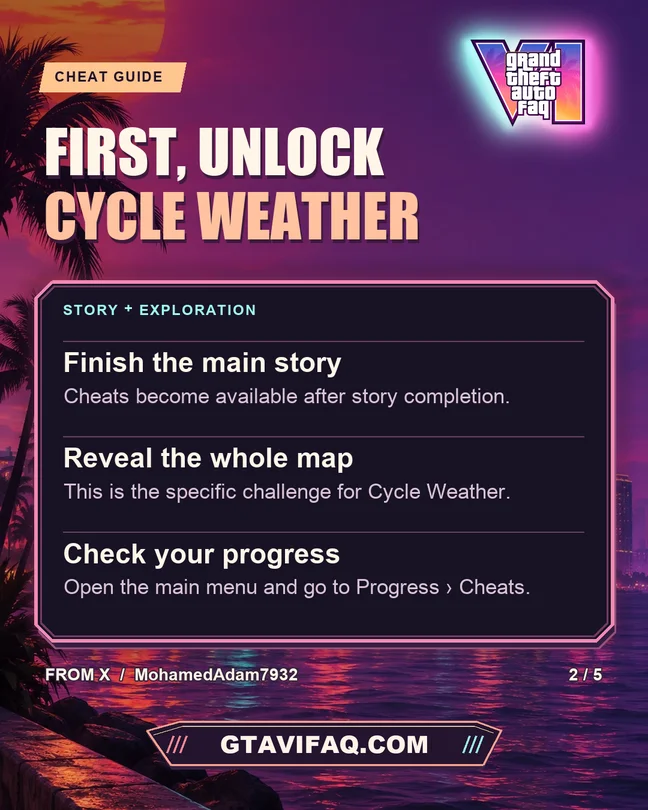
First, unlock cycle weather
- Finish the main story. Cheats become available after story completion.
- Reveal the whole map. This is the specific challenge for Cycle Weather.
- Check your progress. Open the main menu and go to Progress › Cheats.
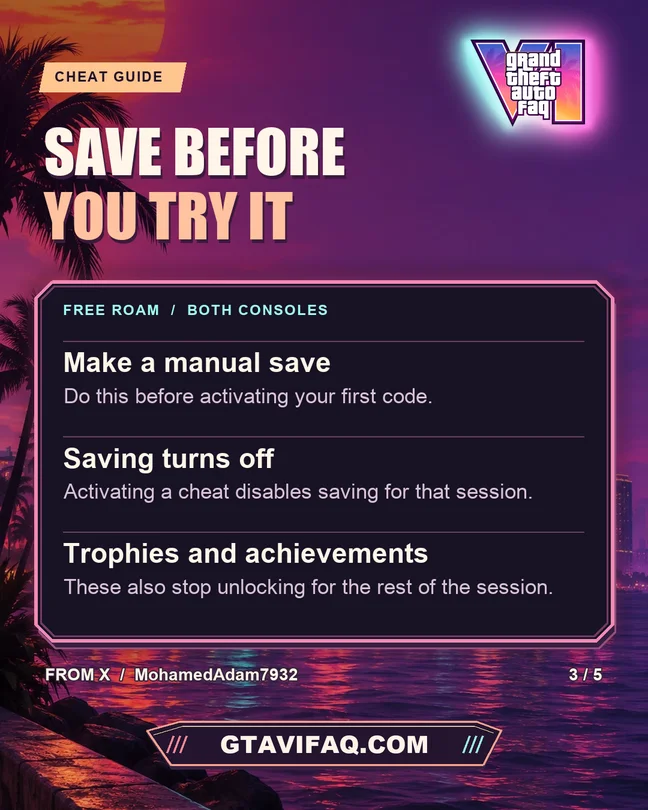
Save before you try it
- Make a manual save. Do this before activating your first code.
- Saving turns off. Activating a cheat disables saving for that session.
- Trophies and achievements. These also stop unlocking for the rest of the session.
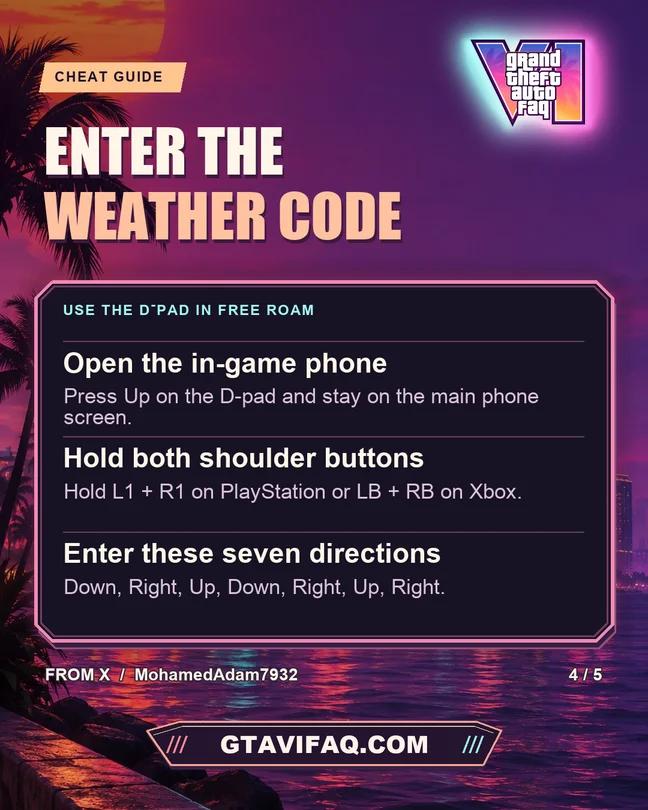
Enter the weather code
- Open the in-game phone. Press Up on the D-pad and stay on the main phone screen.
- Hold both shoulder buttons. Hold L1 + R1 on PlayStation or LB + RB on Xbox.
- Enter these seven directions. Down, Right, Up, Down, Right, Up, Right.
Sources & verification
The original X post raises the weather question. GamesRadar+ documents the specific code, unlock challenge and restrictions.
[1] Reporting ·  MohamedAdam7932 on X
Mohamed asks which cheat players would try and gives changing the weather as an example. The public post frames money and vehicles as questions.
Posted · Checked 2026-11-18 · 10:40 PM (22:40) UTC
[2] Reporting ·  GamesRadar+
Josh West lists the story requirement, manual save and session restrictions, free-roam phone controls, and Cycle Weather. Reveal the entire map and enter Down, Right, Up, Down, Right, Up, Right.
Posted · Checked 2026-11-18 · 10:40 PM (22:40) UTCEdit history
First published
Related answers
 Getting startedHow do I fast travel in GTA VI?Written by GTA VI FAQ · Source: GamesRadar+ · Posted Getting startedHow do I save in GTA VI, and can I replay missions?Written by GTA VI FAQ · Source: GamesRadar+ · Posted
 Getting startedHow do I get and wear a mask in GTA VI?Written by GTA VI FAQ · Source: GamesRadar+ · Posted
 GTA VI is live